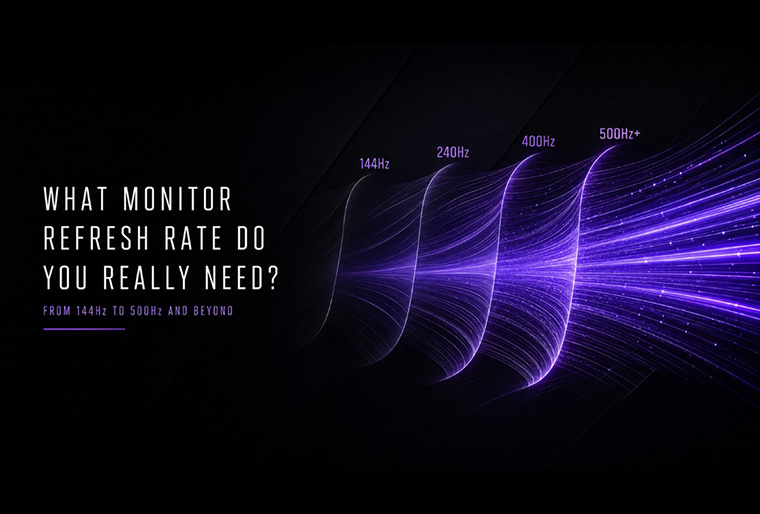
What Monitor Refresh Rate Do You Really Need? From 144Hz to 500Hz and Beyond
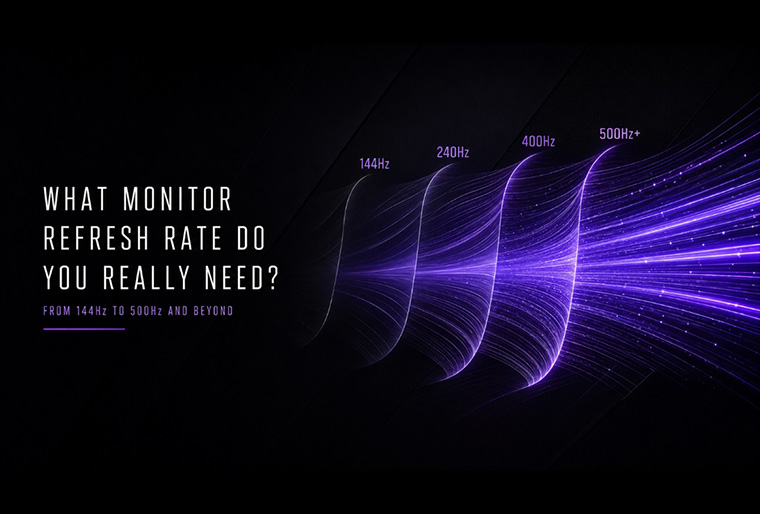
Gaming monitor refresh rates continue to rise. While 144Hz was once considered a premium feature, gamers can now choose from 240Hz, 400Hz, 500Hz, and even faster displays.
But does a higher refresh rate always make a noticeable difference? The answer depends on the games you play, your system performance, preferred resolution, and competitive goals.
What Is Monitor Refresh Rate?
Refresh rate, measured in hertz (Hz), indicates how many times a monitor can update its image each second. A 144Hz monitor refreshes the screen up to 144 times per second, while a 500Hz monitor can refresh it up to 500 times per second.
|
Refresh Rate |
Time Between Refreshes |
|
60Hz |
16.67ms |
|
144Hz |
6.94ms |
|
240Hz |
4.17ms |
|
400Hz |
2.50ms |
|
500Hz |
2.00ms |
|
520Hz |
1.92ms |
A shorter refresh interval allows new visual information to appear sooner, resulting in smoother motion and more responsive gameplay.
Refresh Rate vs. Frame Rate: What Is the Difference?
Refresh rate describes how often the monitor updates its image. Frame rate, measured in frames per second (FPS), refers to how many frames the system produces each second.
To fully benefit from a high-refresh-rate monitor, the CPU and GPU must deliver sufficiently high FPS. A 500Hz monitor can still operate when a game runs below 500 FPS, but consistently high frame rates are needed to make the most of its capabilities.
Adaptive Sync technology can also coordinate the monitor's refresh rate with the GPU's output, helping reduce screen tearing and stuttering when FPS fluctuates.
What Does a Higher Refresh Rate Improve?
-
• Smoother Motion
More frequent screen updates make camera movements and fast-changing scenes appear more fluid. This is especially noticeable during rapid turns in first-person games or high-speed action in racing games.
-
• Clearer Target Tracking
Higher refresh rates present movement in smaller visual steps, making fast-moving objects and opponents easier to follow. This can be particularly useful in competitive games that require precise aiming and tracking.
-
• More Immediate Visual Feedback
With less time between refreshes, the result of a mouse movement or keyboard input can appear sooner. Combined with high FPS and low system latency, this creates a more responsive gaming experience.
Can the Human Eye See More Than 240Hz?
Human vision does not operate at a fixed frame rate, so there is no universal refresh rate at which the eye simply stops detecting improvements.
However, the difference becomes more subtle as refresh rates increase. Moving from 60Hz to 144Hz reduces the refresh interval from 16.67ms to 6.94ms, creating a substantial improvement. Moving from 240Hz to 500Hz reduces it from 4.17ms to 2ms, so the gain is smaller.
Refresh rates above 240Hz can still improve motion clarity and responsiveness, particularly in fast-paced competitive games. Whether these smaller gains are meaningful depends on the player, the game, and overall system performance.
144Hz vs. 240Hz vs. 400Hz vs. 500Hz: Which Is Right for You?
-
• 144Hz to 180Hz
For gamers upgrading from 60Hz, a 144Hz or 180Hz monitor delivers a major improvement in smoothness and responsiveness.
This range is well suited for casual gaming, AAA titles, RPGs, strategy games, and users seeking a practical balance between performance and affordability.
-
• 240Hz
A 240Hz monitor offers smoother motion and faster visual feedback than 144Hz without requiring the extreme system performance needed for 400Hz or higher.
It is a strong choice for mainstream competitive gamers who regularly play FPS, racing, fighting, or fast-paced action games.
-
• 360Hz to 400Hz
This range is designed for dedicated competitive players who prioritize target tracking, motion clarity, and responsive controls.
The ASRock Phantom Gaming PG27QFW2A combines a 400Hz refresh rate with a 27-inch QHD IPS panel, balancing ultra-smooth competitive performance with sharper image detail. It is ideal for players who want high speed without stepping down to Full HD resolution.
-
• 500Hz and Beyond
Monitors above 500Hz minimize the time between screen updates, allowing new visual information to appear as quickly as possible.
The ASRock Phantom Gaming PG27FFX2A features a 27-inch FHD IPS panel with a refresh rate of up to 520Hz. It is designed for competitive FPS and esports players who prioritize speed, responsiveness, and extremely high-frame-rate performance.
Not every gamer needs this level of speed, but for highly competitive players, even small improvements in motion clarity and visual feedback can be valuable.
So, How Much Refresh Rate Do You Really Need?
The ideal refresh rate depends on your gaming habits and priorities:
|
Gaming Profile |
Recommended Refresh Rate |
|
Casual and single-player gaming |
144–180Hz |
|
Mainstream competitive gaming |
240Hz |
|
Dedicated FPS and esports gaming |
360–400Hz |
|
Elite competition and maximum speed |
500Hz and beyond |
Resolution should also be considered. FHD makes it easier to achieve extremely high FPS, while QHD offers sharper visuals with greater system demands. Competitive players may prioritize refresh rate, while gamers who enjoy cinematic AAA titles may benefit more from higher resolution and image quality.
The highest number is not automatically the best option. The right choice is the refresh rate that matches your games, system performance, resolution preferences, and competitive goals.
What Do You Need to Run a High-Refresh-Rate Monitor?
To experience the monitor's maximum refresh rate, the entire system must support it:
- • A CPU and GPU capable of producing sufficiently high FPS
- • A graphics card, display port, and cable with enough bandwidth
- • Suitable resolution and in-game graphics settings
- • The correct refresh rate selected in the operating system
- • Frame-rate limits and V-Sync settings configured properly
- • Fast pixel response and Adaptive Sync support
A 400Hz or 520Hz monitor may not run at its maximum refresh rate automatically. Always check the connection, system settings, and game configuration after installation.
Frequently Asked Questions
• 1. Is 144Hz enough for gaming?
Yes. A 144Hz monitor provides a smooth experience and remains an excellent choice for casual gaming, AAA titles, and users upgrading from 60Hz.
• 2. Is 240Hz noticeably better than 144Hz?
The difference is smaller than the jump from 60Hz to 144Hz, but many competitive players can still notice smoother motion and more immediate visual feedback.
• 3. Does a 500Hz monitor require 500 FPS?
No. The monitor can still operate when the game runs below 500 FPS. However, higher and more stable frame rates are needed to take full advantage of its refresh rate.
• 4. Is a 500Hz monitor worth it?
A 500Hz monitor is most valuable for serious competitive players with systems capable of producing several hundred FPS. For casual gaming or visually demanding AAA titles, higher resolution and image quality may provide a more noticeable benefit.